I have come a long way since the beginning of this inquiry Project.
I started this journey by wanting to get better at digital art – and despite me taking multiple different routes and changing my mind way too many times, I feel like I can truly see the progress I have made in my digital art!
I am very much a visual learner, so I thought it would be such a fun way to observe my growth by looking at the progression of my drawings side by side, and also allow myself to comment on what I notice throughout the journey. At this point in this project, I think I have improved immensely on my understanding of how my art application (procreate) works, I have a much better grasp on what brushes do what and how to use them properly- as well as how to install new ones. I also have a way better understanding of screen casting, powerpoint, canva, and zoom!
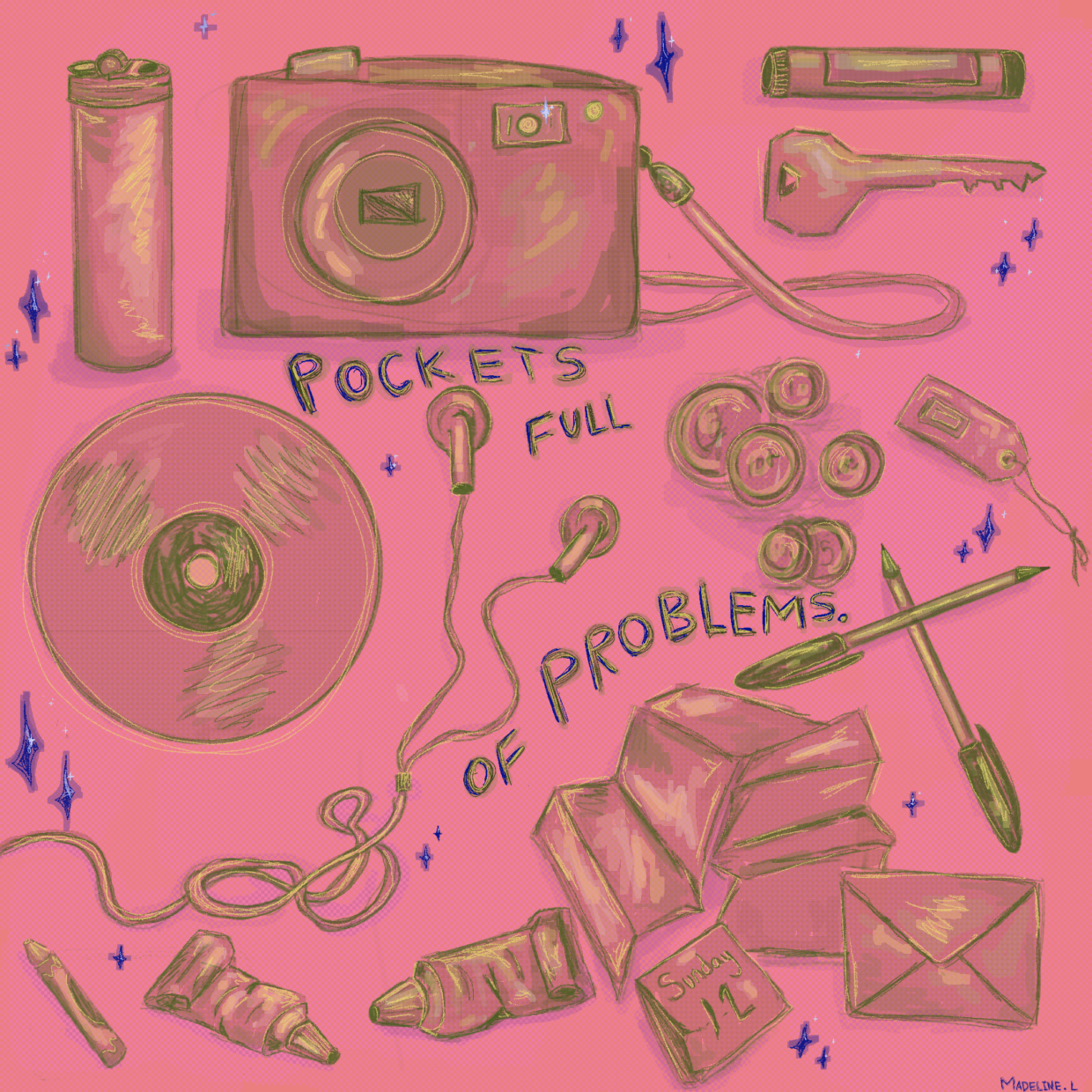
all the digital art pieces that I will be including here have been drawn by me during this semester, some have been included in past posts but some haven’t been seen before! I have been spending so much time practicing and drawing and designing on my iPad this semester in hopes of improving so im excited to share all the fun graphics ive made!’
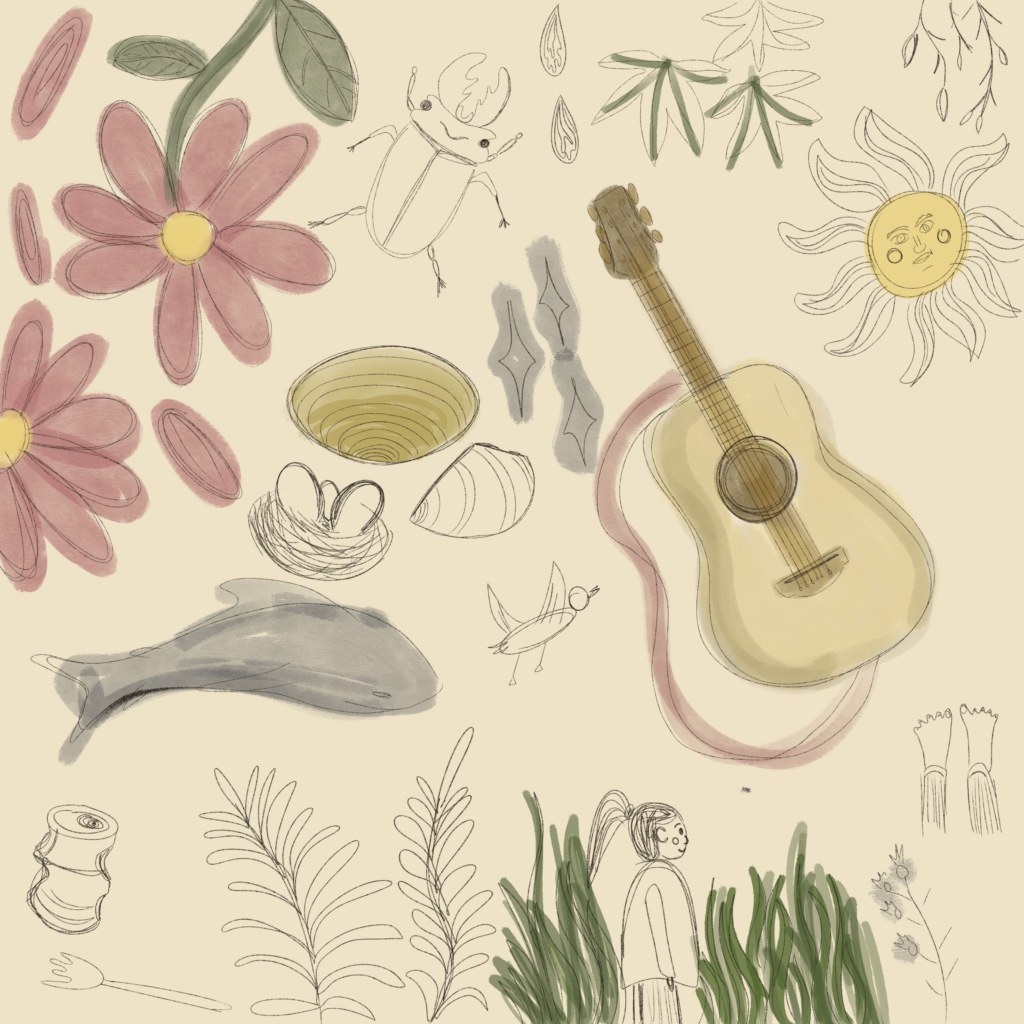
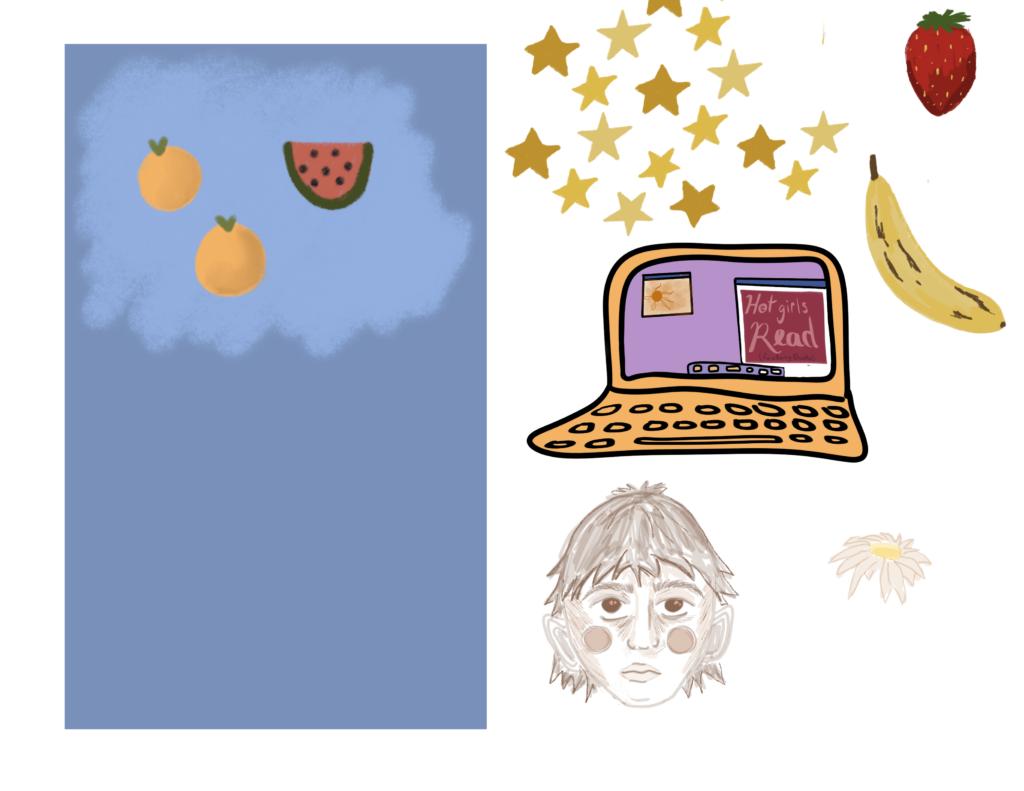
Wow it’s so interesting to see where I started, and how I used to use digital media. looking at this first sketch spread, its like I thought I could only really use it like paper – I wasn’t taking advantage of any of the features and was essentially just making life harder for myself.
This is another very early experimental page, and im honestly pretty impressed with the computer drawing – It was my first take on using the layering tools as well as using colour drop instead of manually colouring! when I realized how much work I was making myself do, I was baffled.
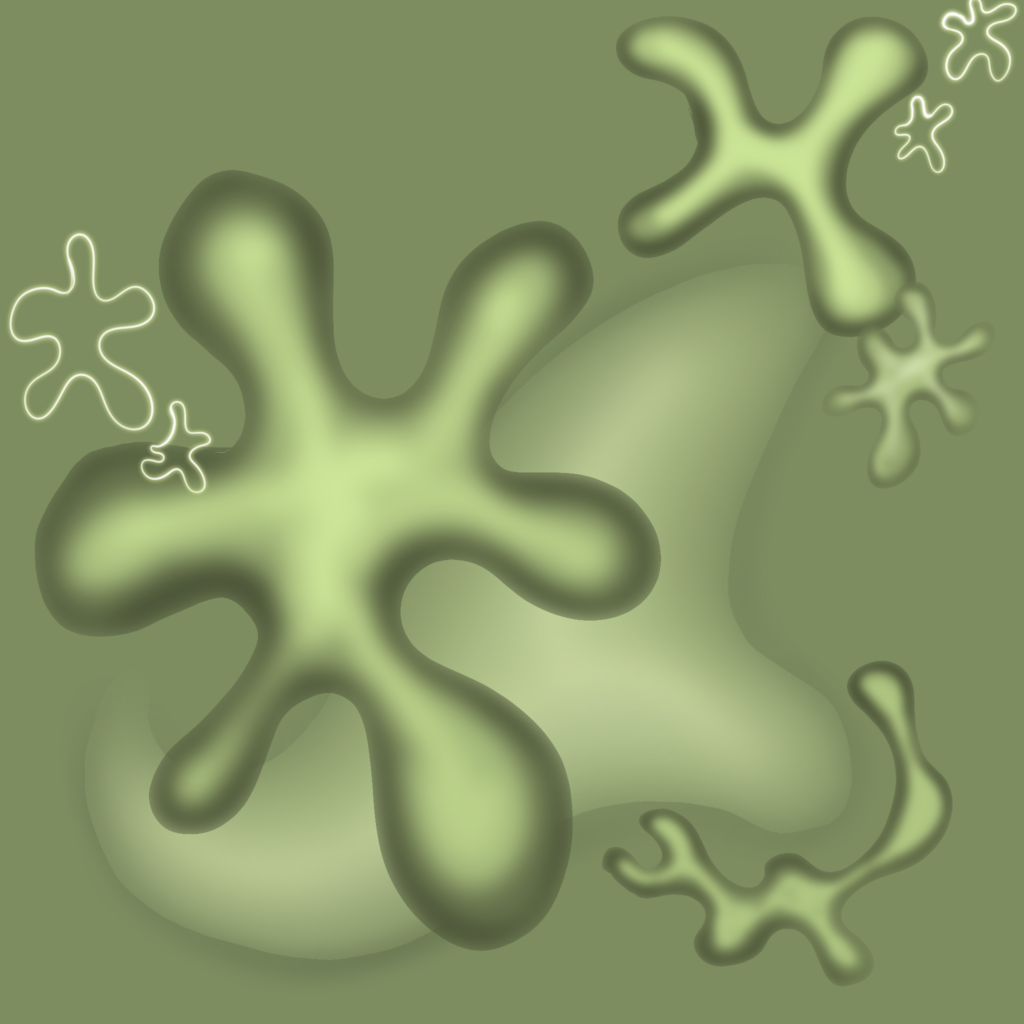
This drawing was me figuring out how to use the clipping tool as well as playing around with airbrushing – I will admit its really not my art style but I also found it pretty fun to mess around with and render shapes into more 3d looking graphics.
okay this one I was super proud of – this was my very first try using pixel art! this took way longer than I care to admit because it was during the making of this that I realized you cant use colour drop with pixels:(
nonetheless, I think its super cute and definitely shows how much progress ive made when I look at it next to my final pixel art piece.
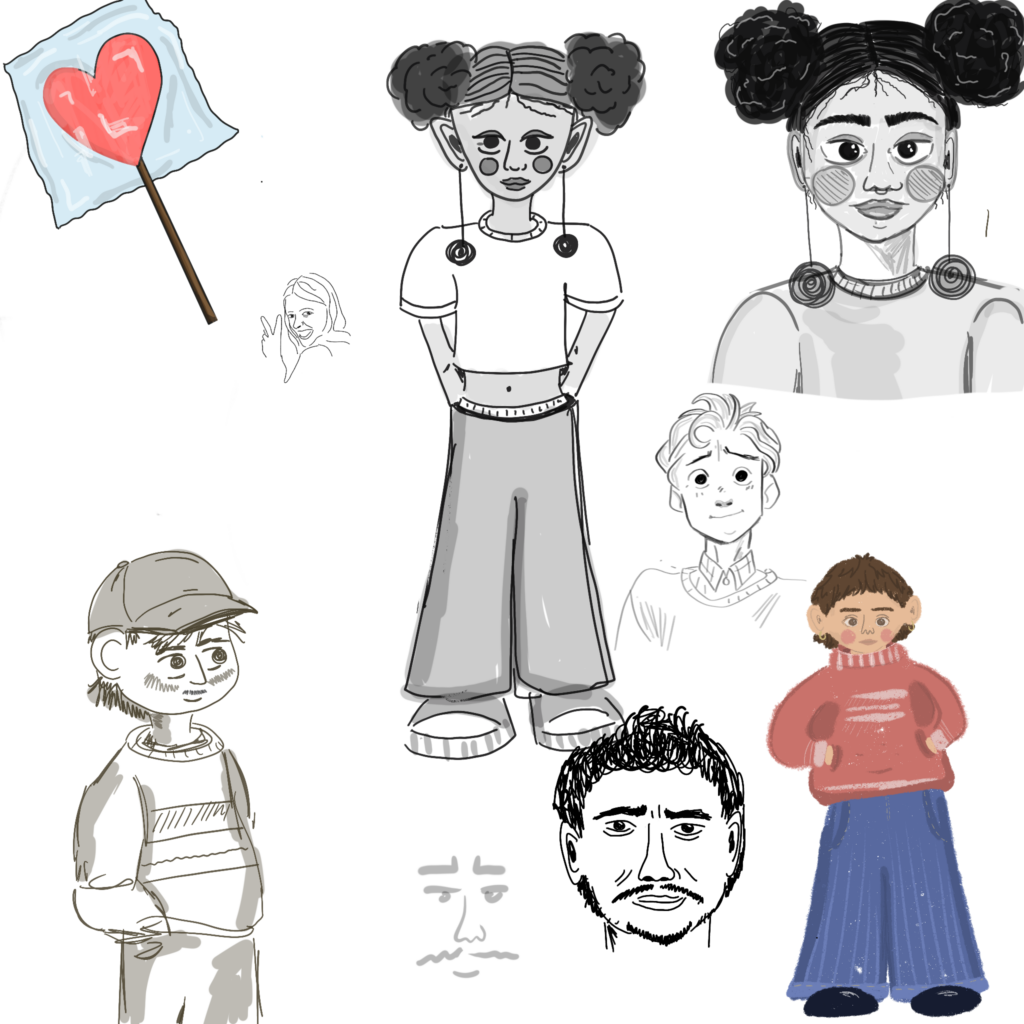
Okay so this is where I started trying to draw more character style people, and used this time to experiment with opacity and how lowering it allows for more freedom when rendering shapes and shading! Im pretty happy with these sketches, especially the one of Pedro Pascal.
I am so proud of this one. The one big portrait of Katie is traced, but everything else is free handed and im so happy with how these turned out! I can tell im starting to get more comfortable with the app, as well as figuring out my art style – as there are endless styles on my iPad.
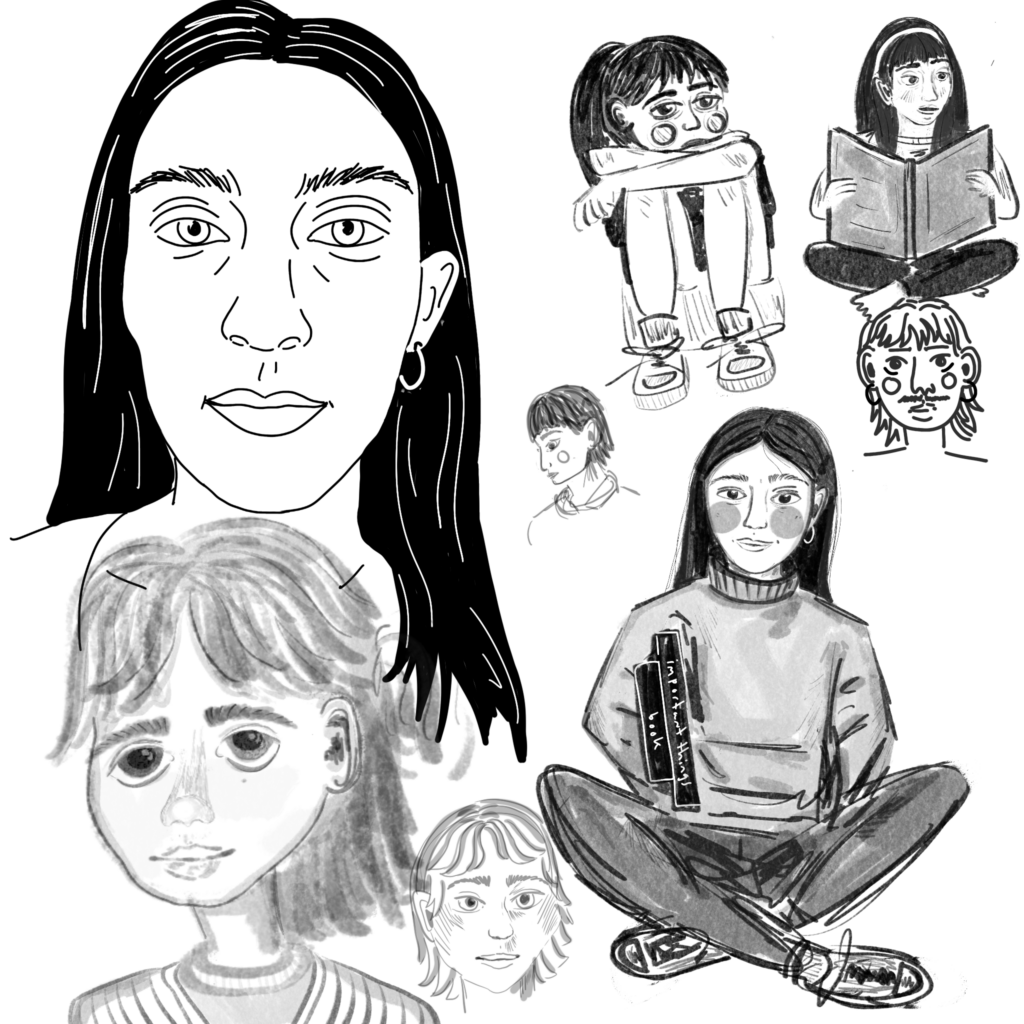
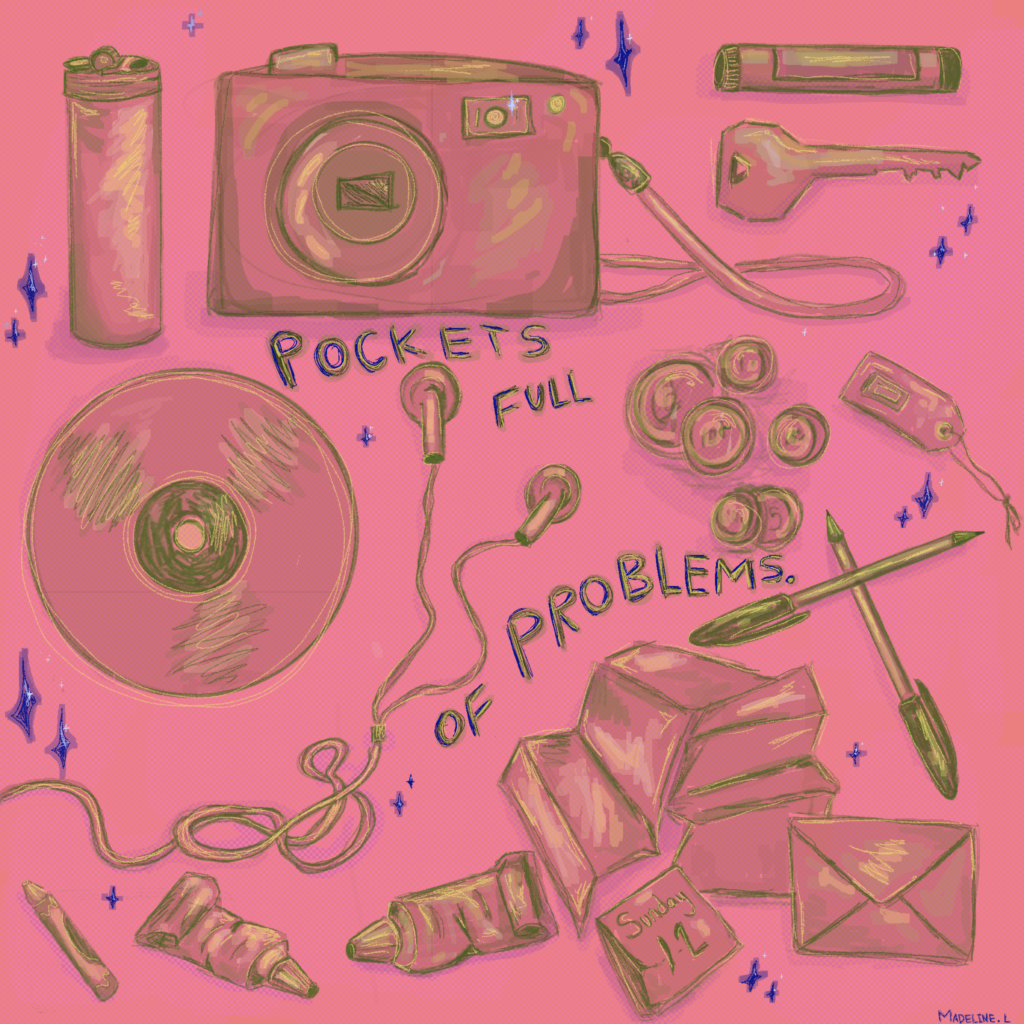
I think this piece is the one im most proud of and found the most fun to draw! in terms of growth in my media literacy around drawing on my iPad, I think it was at this point where everything kind of clicked: using separate layers for different brushes, how to shade using pixels, what colours work together, how to select areas and resize them, and just all the small things ive been learning started to pay off!
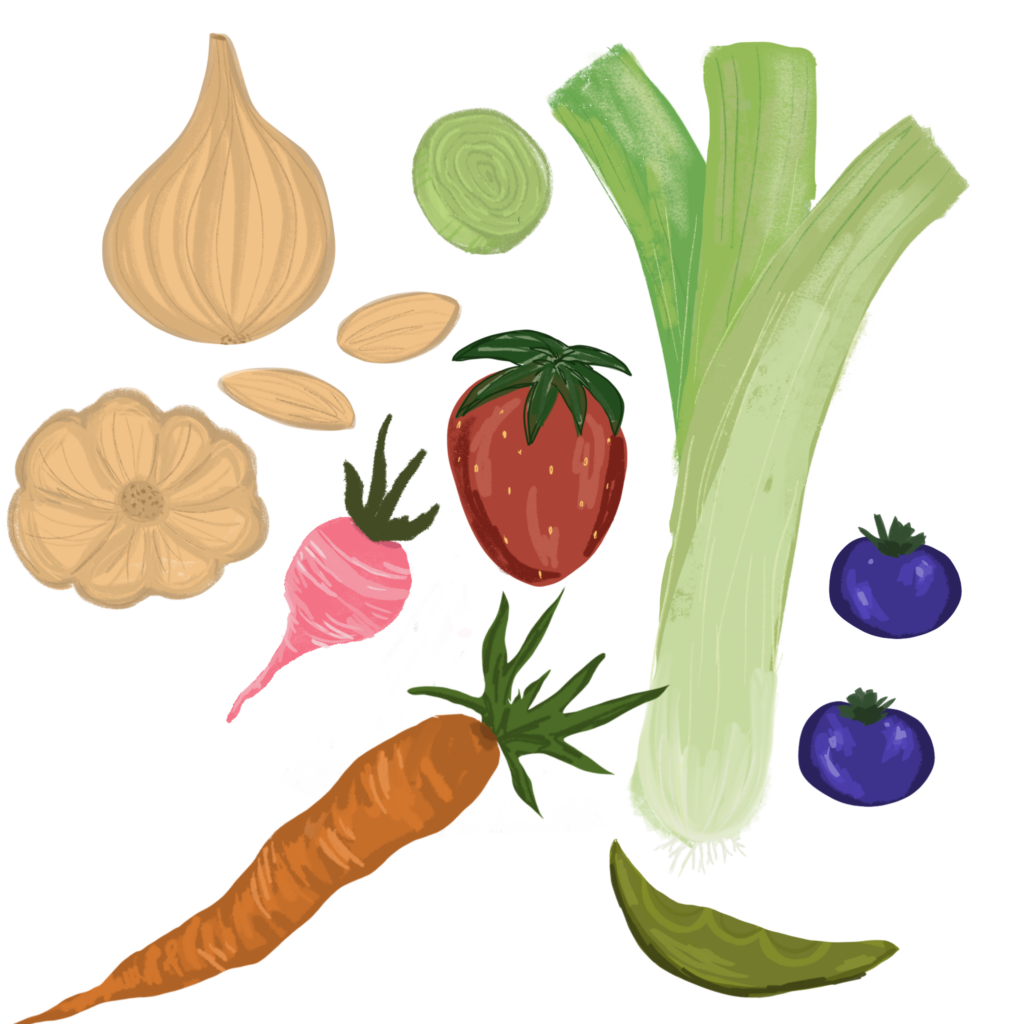
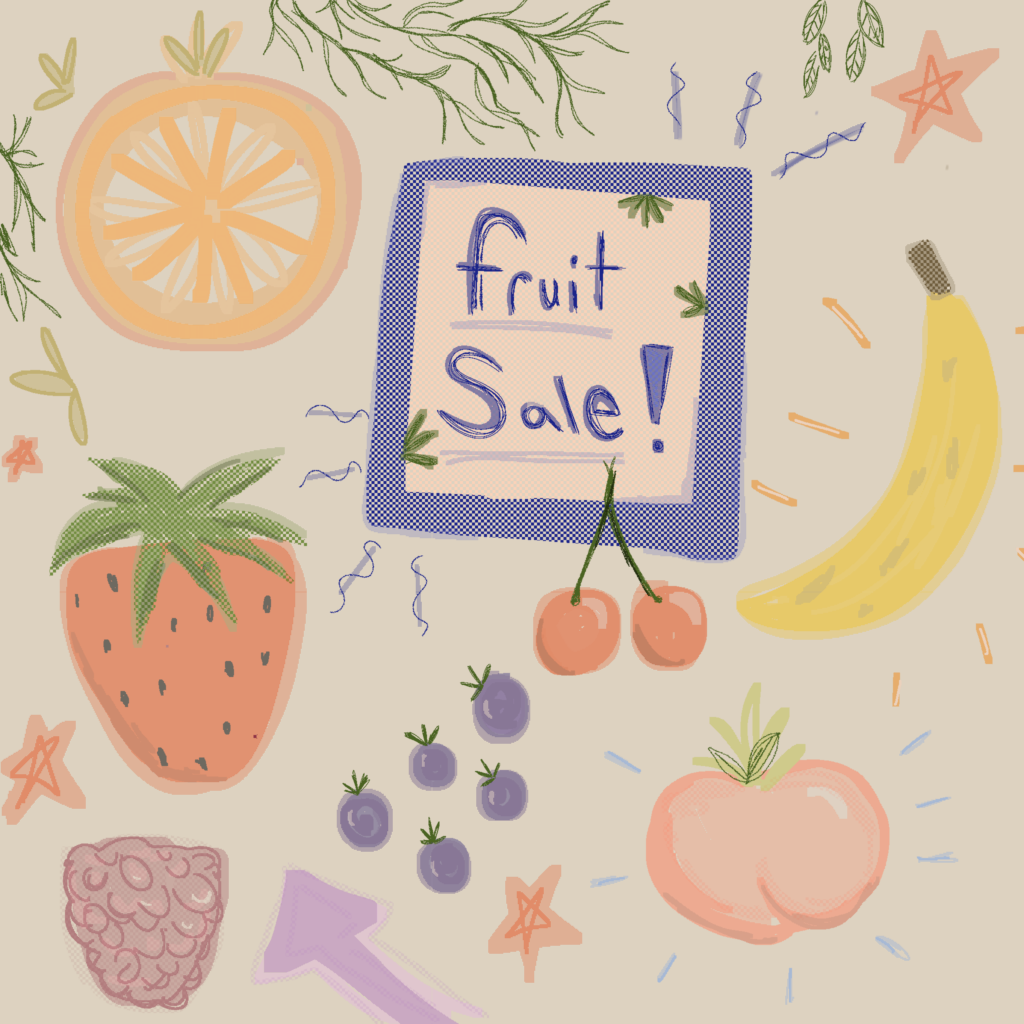
this is my current sort of sketch pad of produce ive been doing this week, and ive been trying to play around with the Eric carle art style of collage-esk art but not really, and I like how simple yet detailed these veggies look! I also began to understand how to use the alpha lock setting (it allows for you to draw on a layer without going outside the lines, very useful for shading) and I can see my art getting better everyday!